Campaign concepts
Explore several art directions before committing design or production time.
Create high-resolution images with Qwen Image 3.0, use compatible references, compare multiple outputs, and reuse the selected result in your next workflow.
Visual workflow
Image generation now lives here instead of being repeated on the homepage. Explore subject, style, composition, and product direction, then continue with the selected result in Wan video.
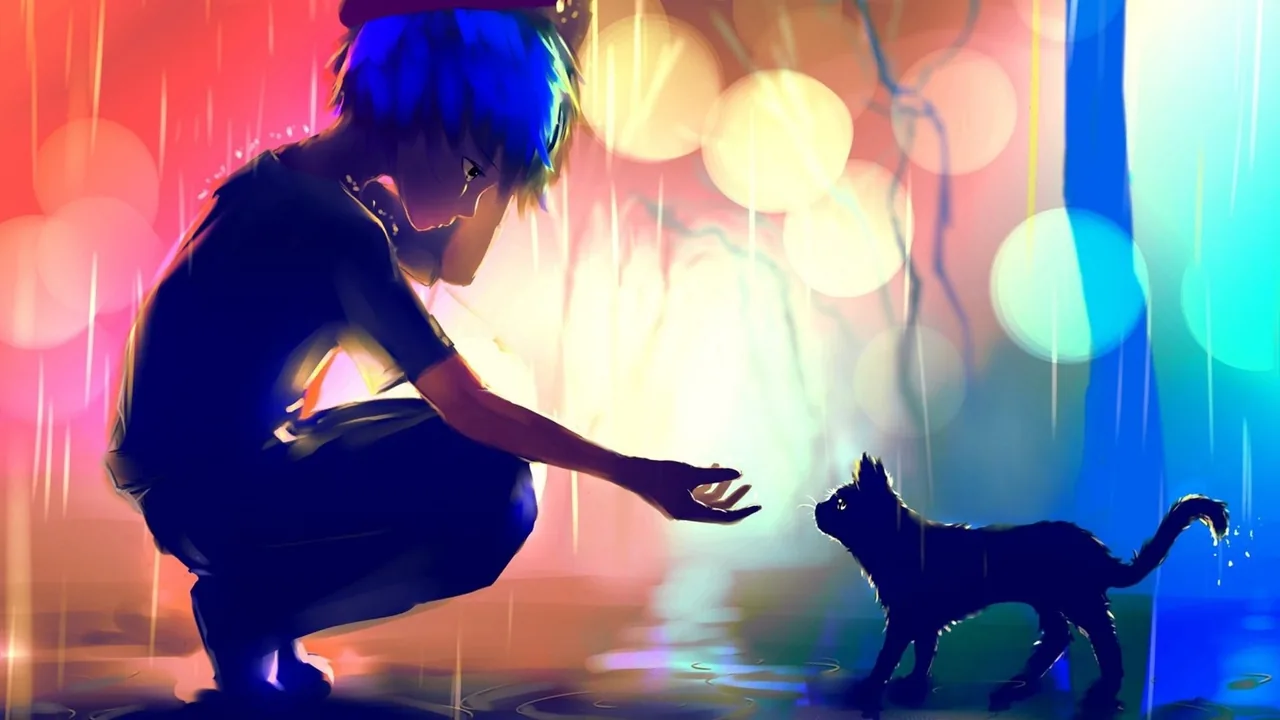
Develop a distinct subject and visual language from a concise prompt.

Use references and precise descriptions to guide connected visual studies.
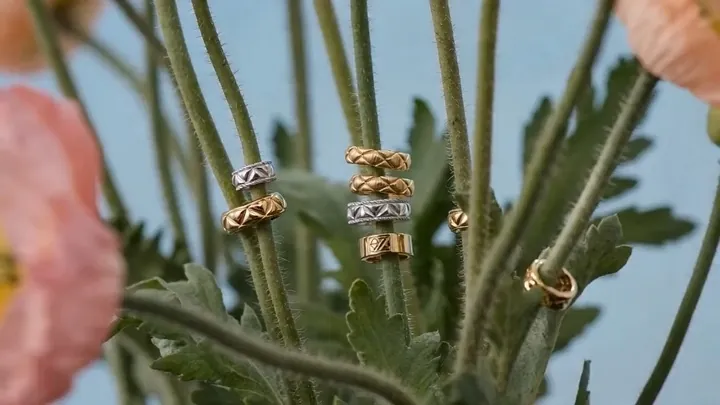
Explore composition, surfaces, lighting, and context before production.
Use cases
Develop original creative directions for campaigns, stories, products, and moving-image preproduction.
Explore several art directions before committing design or production time.
Place a product direction in different environments, lighting setups, and compositions.
Develop portraits, environments, props, and visual continuity for narrative work.
Create channel-specific covers, story art, thumbnails, and article visuals.
Turn a written brief into concrete visual references for team review.
Design a strong starting frame, then animate it through the Wan image-to-video mode.
How it works
Move from a visual idea to a reusable, stored image without switching tools.
Write the subject, setting, style, light, and composition, or add compatible source images.
Select a supported size and output count, then review the live credit estimate.
Compare results, download the chosen image, reuse it as a reference, or animate it with Wan.
FAQ
The Creator uses the Qwen Image model configured on the server. Provider model IDs and credentials are never exposed to the browser.
Yes. Image-to-image mode accepts compatible uploaded or historical image references, up to the configured model limit.
The current capability registry supports up to six outputs, subject to the configured model and available credits.
The estimate uses the configured per-output credit rate multiplied by the selected output count.
Yes. Eligible completed images expose an Animate action that prepares the Wan image-to-video workflow with the image as its first frame.
Completed images are copied to durable storage and linked to your account for download and reuse.
Describe the visual direction, compare outputs, and carry the chosen frame into Wan 3.0.
Editorial product photography on brushed steel, soft side light, precise material detail