Advertising & marketing
Use Wan 3.0 to turn product ideas and campaign concepts into visual clips before spending time and budget on a full production.
Product videoBrand contentCampaignsConcept tests

Wan 3.0 Officially Live
Create cinematic videos up to 30 seconds with Wan 3.0. Use prompts, images, files, web pages, and omni-modal references for consistent characters, flexible editing and replication, lifelike visuals, and immersive sound.
Create with references
Use character, setting, style, or motion references to give Wan 3.0 clearer direction. Add what matters, describe the action, and keep the result closer to the look you want.

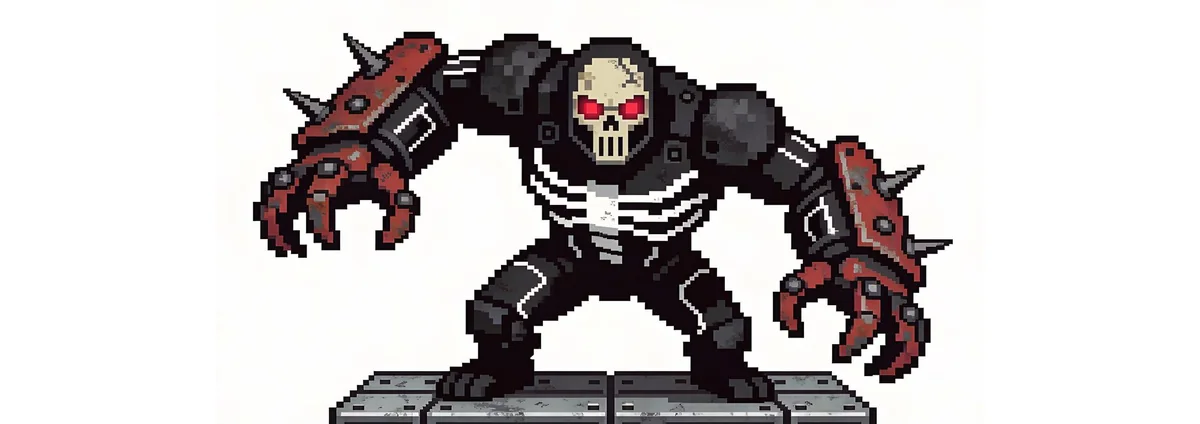
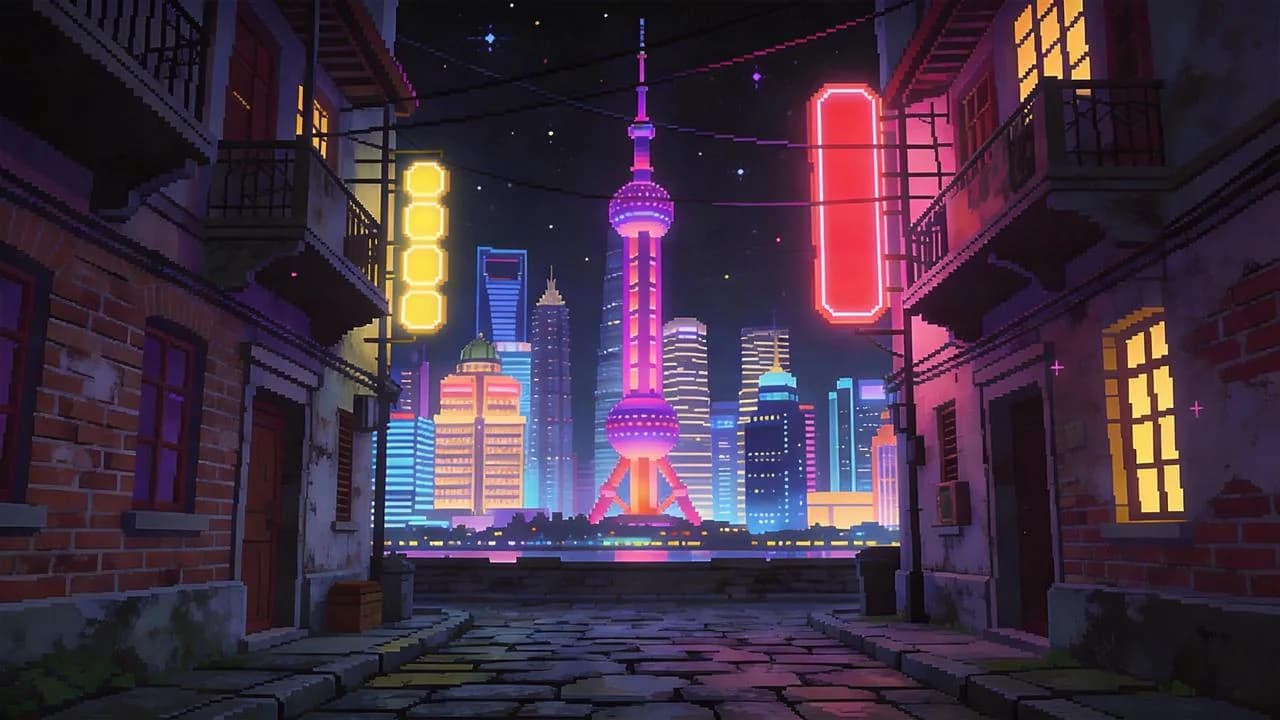
AAC · 5.0s
Use the first two images for the characters and the third image for the environment. Follow the motion video for choreography and timing, then use the audio track to guide the music and impact sound effects in a retro pixel-game fight.
Director-level creative showcase
Explore how Wan 3.0 masters camera movement, stylized lighting, multi-subject physics, and cinematic rhythm across high-impact commercial and narrative styles.
Direct complex nighttime speed, multi-character consistency, and fluid bicycle tracking through rain-slicked neon avenues.
Craft sun-drenched street commercials with wheel-level tracking, authentic physics, and clean focal points designed for brand storytelling.
Capture authentic seaside storytelling with organic lens bloom, sunlight-refracted soap bubbles, and delicate human reactions.
Start from an image
Upload or reuse an image, then tell Wan 3.0 what should move, how the camera should travel, and how the scene should feel. The source image gives the shot a clear visual starting point.
Paste a webpage URL or upload a PDF, Word, presentation, spreadsheet, Markdown, or text. Wan 3.0 extracts the core ideas, builds a structured storyboard with narration, and prepares your video workflow.
Supported sources
From URL & file to video direction
2026_AI_Product_Launch_Deck.pdf
PDF · 12 pages · 2.4 MB · 8,400 chars
AI Key Insights
Dawn sweeps across futuristic tech campus as smooth aerial craft glides past glass facade.
Next-gen smart engine in high-torque motion with sleek light trails and precision mechanics.
Holographic data streams converge into glowing brand emblem and call to action.
Cinematic commercial grade · 4K feel
Use Wan 3.0 when you need to turn an idea or reference into a clear moving scene quickly—from campaign concepts and social clips to storyboards and previsualization.
Use Wan 3.0 to turn product ideas and campaign concepts into visual clips before spending time and budget on a full production.
Use Wan 3.0 to explain a process, lesson, or abstract idea with motion so viewers can understand it faster than from text alone.
Use Wan 3.0 to build cinematic moments around characters, settings, and emotion while testing different visual directions for a story.
Use Wan 3.0 to create short visual ideas for different formats and platforms, then iterate quickly on the versions that work best.
Use Wan 3.0 to explore choreography, body movement, timing, and camera motion before committing to a final performance direction.
Use Wan 3.0 to rework a scene, explore alternate motion, or create new visual variations from an existing direction.
Use Wan 3.0 to test camera movement, lighting, transitions, and visual effects before a shoot so everyone can align on the shot.
Use Wan 3.0 to bring spaces, architecture, and interior concepts to life for presentations, proposals, and design reviews.
Use Wan 3.0 to translate rhythm, mood, lighting, and texture into moving visuals for music videos, loops, and performance concepts.
Have a shot in mind? Start with a prompt or reference.
Start creatingUse Wan 3.0 to create from text or images, guide the result with references, refine prompts when needed, and keep your best outputs ready for the next scene—all in one workspace.
Start with a written idea, an existing image, or both, then turn that direction into a finished video shot.
Use visual references to keep identity, wardrobe, and the overall look more consistent as you explore new shots.
Combine character, scene, style, and other references when one prompt is not enough to describe the result you want.
Adjust the creative direction, recreate motion, or build new variations without starting the entire idea from scratch.
Use Qwen 3.8 Max when you want help turning a rough idea into clearer action, camera, lighting, and mood instructions.
Check the estimated credit use before generation, while failed generations continue through the platform refund flow automatically.
How it works
Go from an idea or reference to a finished clip without learning a complicated production workflow.
Give Wan 3.0 the prompt, image, or references that define the character, scene, style, and result you want.
Set the motion, camera, pacing, atmosphere, and available generation options. Use prompt assistance only when you need it.
Generate with Wan 3.0, keep the version you like, then download it or use it as the starting point for your next shot.
What creators say
From the first idea to a client-ready shot, Wan 3.0 helps creators move faster, try more directions, and stay closer to the result they had in mind.
Explore AIWan
Jump directly to the core generators, Wan 3.0 workflows, and a curated set of production-ready prompts.
FAQ
Quick answers about video length, references, character consistency, sound, credits, API access, and your saved creations.
Wan 3.0 is built for AI video creation from prompts, images, and reference-driven inputs. You can use it for cinematic shots, product visuals, social clips, previsualization, character-led scenes, and other short-form video work.
Wan 3.0 supports video generation up to 30 seconds. The durations available in the workspace can vary by the generation mode and model option you choose.
Yes. Wan 3.0 supports omni-modal reference workflows, so you can use multiple inputs to guide characters, scenes, style, motion, and other parts of the result instead of relying on one prompt alone.
Reference images can help preserve character identity, clothing, and visual direction across new shots. As with any generative workflow, consistency can still vary, so stronger and clearer references usually give you better control.
Wan 3.0 supports audiovisual generation in supported modes, including sound that matches the generated scene. The audio options available to you are shown directly in the current generation mode.
Wan 3.0 is designed for omni-modal reference input and can work with supported files, web pages, images, and other reference material. The workspace shows the input types currently available for the mode you are using.
You can see the estimated credit cost before you generate. If a generation reaches a failed state, the platform follows its automatic credit refund flow so you are not left paying for a failed result.
Not currently. AIWan is focused on the browser-based creation experience today. If public API access is introduced later, authentication, usage, and integration documentation will be published separately.
Completed creations are added to your private creation library, where you can review, download, and reuse supported assets without searching through temporary generation links.
Start with a prompt, image, or reference, direct the motion and camera, and turn your idea into a cinematic AI video you can keep building on.
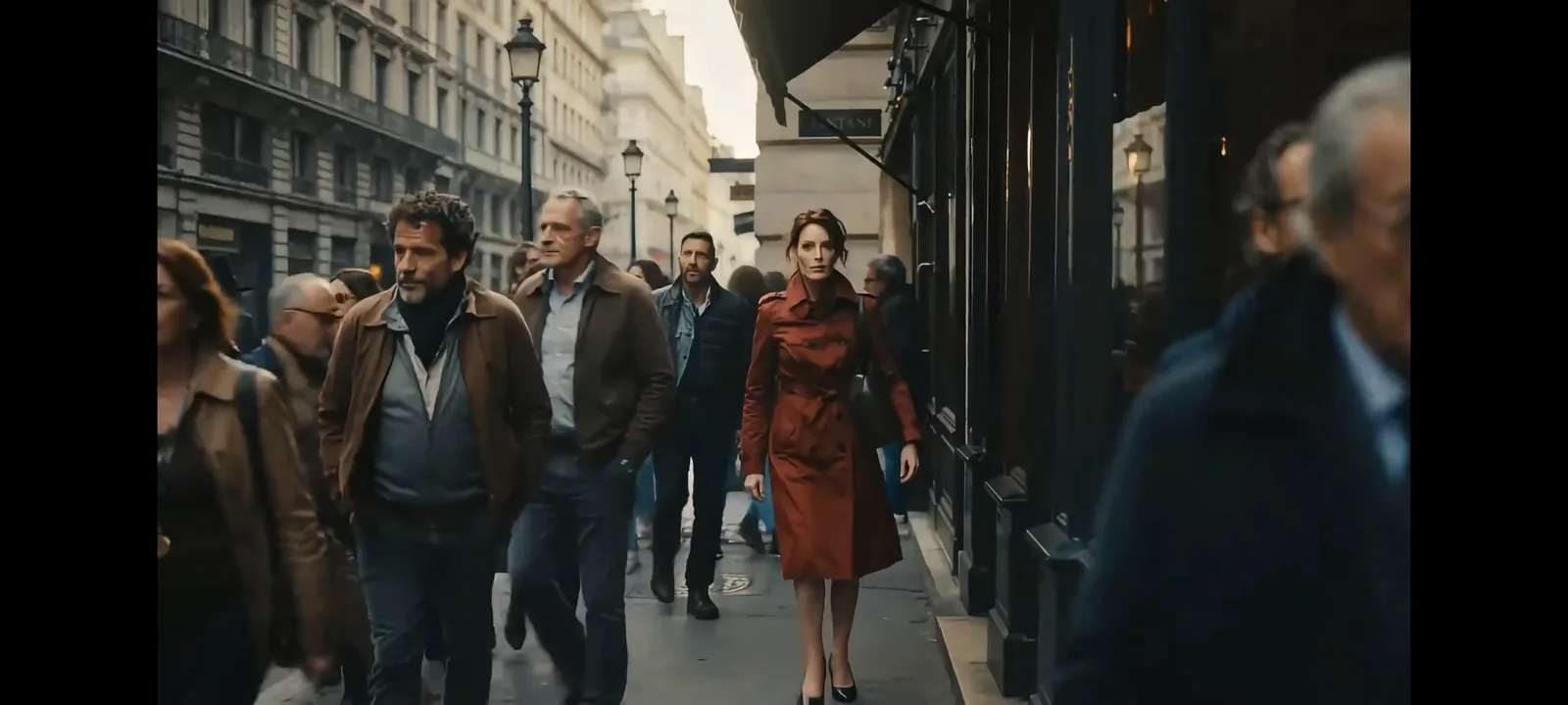
Cinematic tracking shot: a figure in red walks through a rain-washed city street as the camera slowly moves closer and storefront light reflects across the pavement.